Remember the first time you heard this guy come knocking in Castle Brennenburg? That sinking feeling of dread?
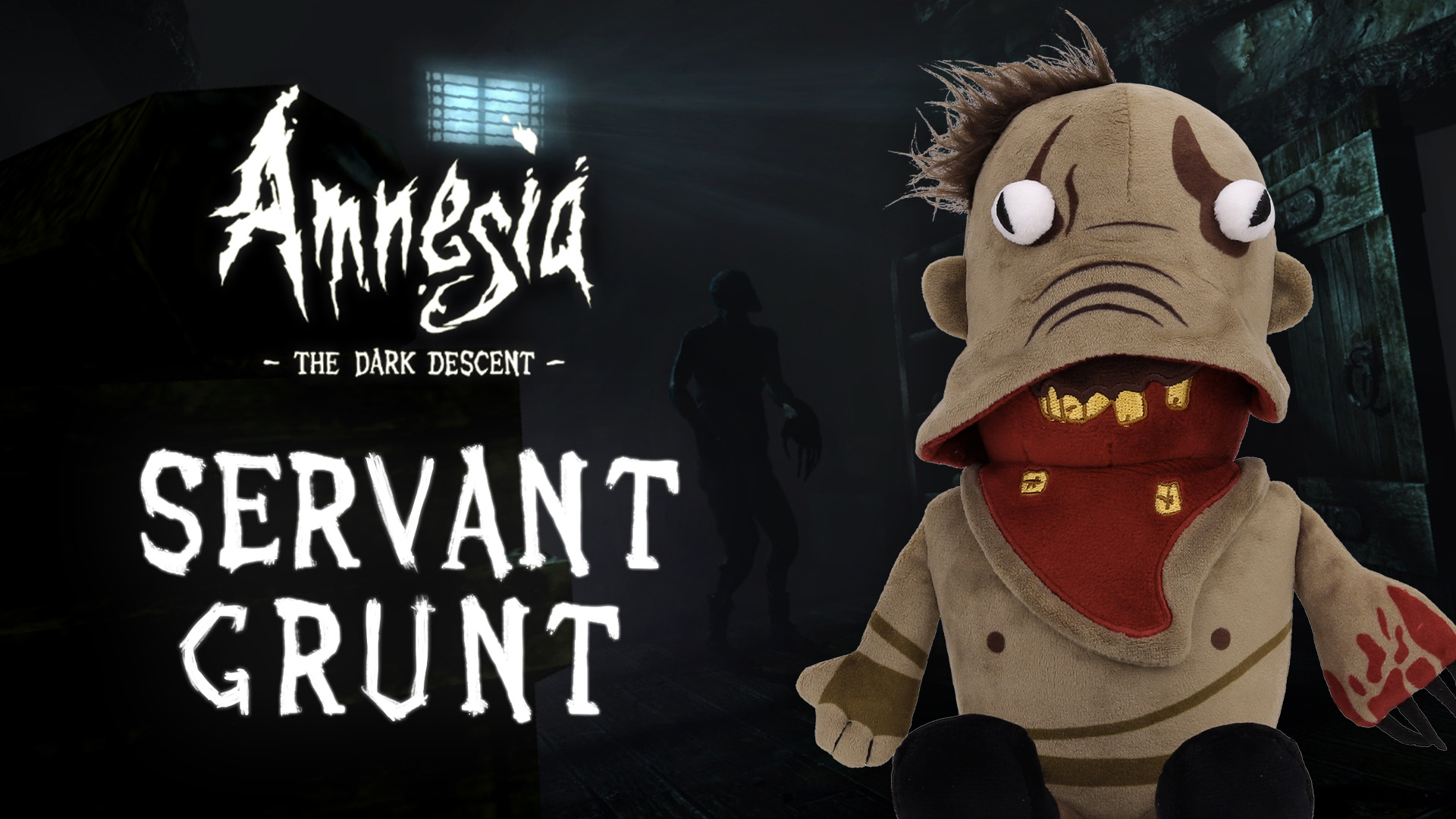

Remember the first time you heard this guy come knocking in Castle Brennenburg? That sinking feeling of dread?
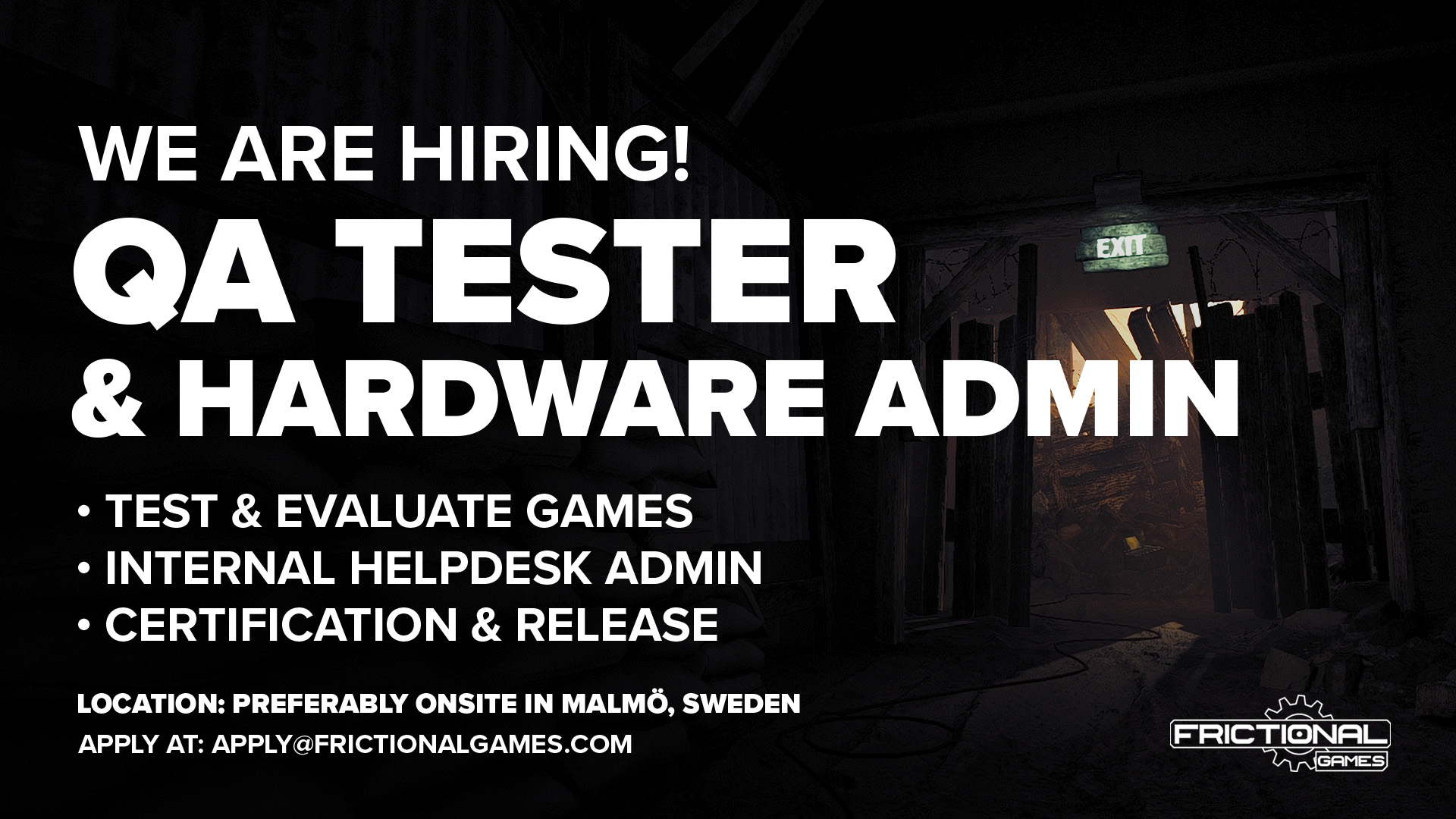
Come help us make our games the best they can be!
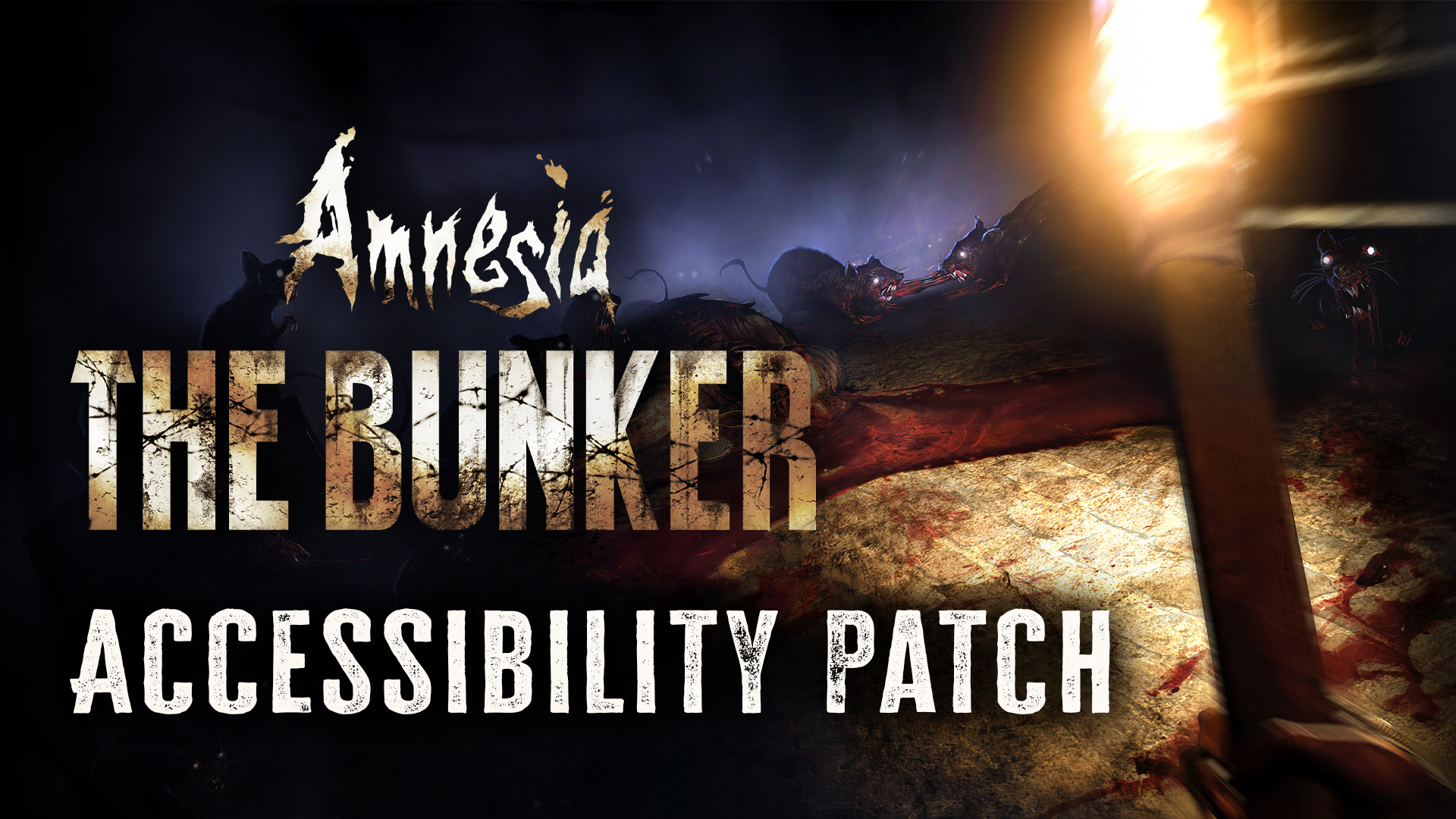
With the latest update to Amnesia: The Bunker we’re adding an array of bug fixes as well as some brand new accessibility features to make sure as many as possible can enjoy the game.
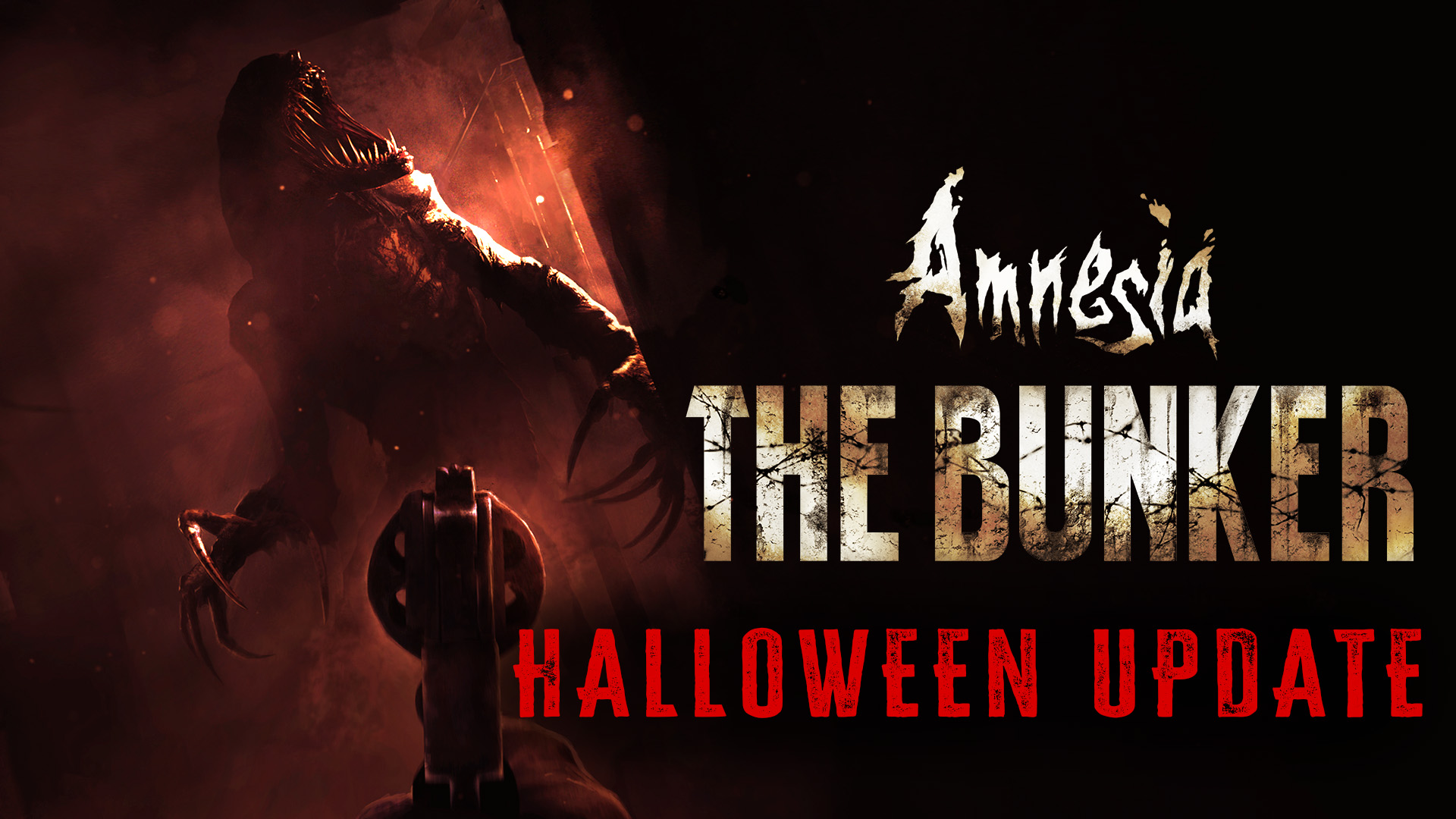
The Halloween Update for Amnesia: The Bunker is here!
The update brings a bunch of new features, adding new horrors and heaps of replay value.
If you’ve beaten the game once you can challenge yourself with the new Shell Shock mode – or play around with the settings in Custom Mode.
Bonjour, The Bunker just got updated with the latest quality of life improvements, providing a smoother and more stable experience. Amnesia: The Bunker on Steam Patch Log – Amnesia: The Bunker (Version 1.31) Note: This patch addresses the listed issues and aims to improve the overall gameplay experience in Amnesia: The Bunker. If you encounter …
We were so impressed by some of the fantastic mod submissions last Jam that we want to dedicate an entire Jam to get to see some more
We’re back with a smaller update containing bug fixes and improvements for the Bunker, as well as some minor fixes for the game editors to improve the modding experience.
The Bunker just got updated with the latest stability fixes and improvements, providing a smoother and more stable experience.
With every new Frictional Games project we aim to tell rich and engrossing narratives. To build absorbing worlds populated with living characters and stories for the player to be immersed in.
This is where you come in. Someone to help us structure, design and write the narrative on which we build our game worlds. Keep reading if this sounds interesting to you!
In anticipation of the upcoming launch of Amnesia:The Bunker we are hosting a Frictional Games Fan Jam!
The theme for this year’s Fan Jam is Frictional Games Monsters.
